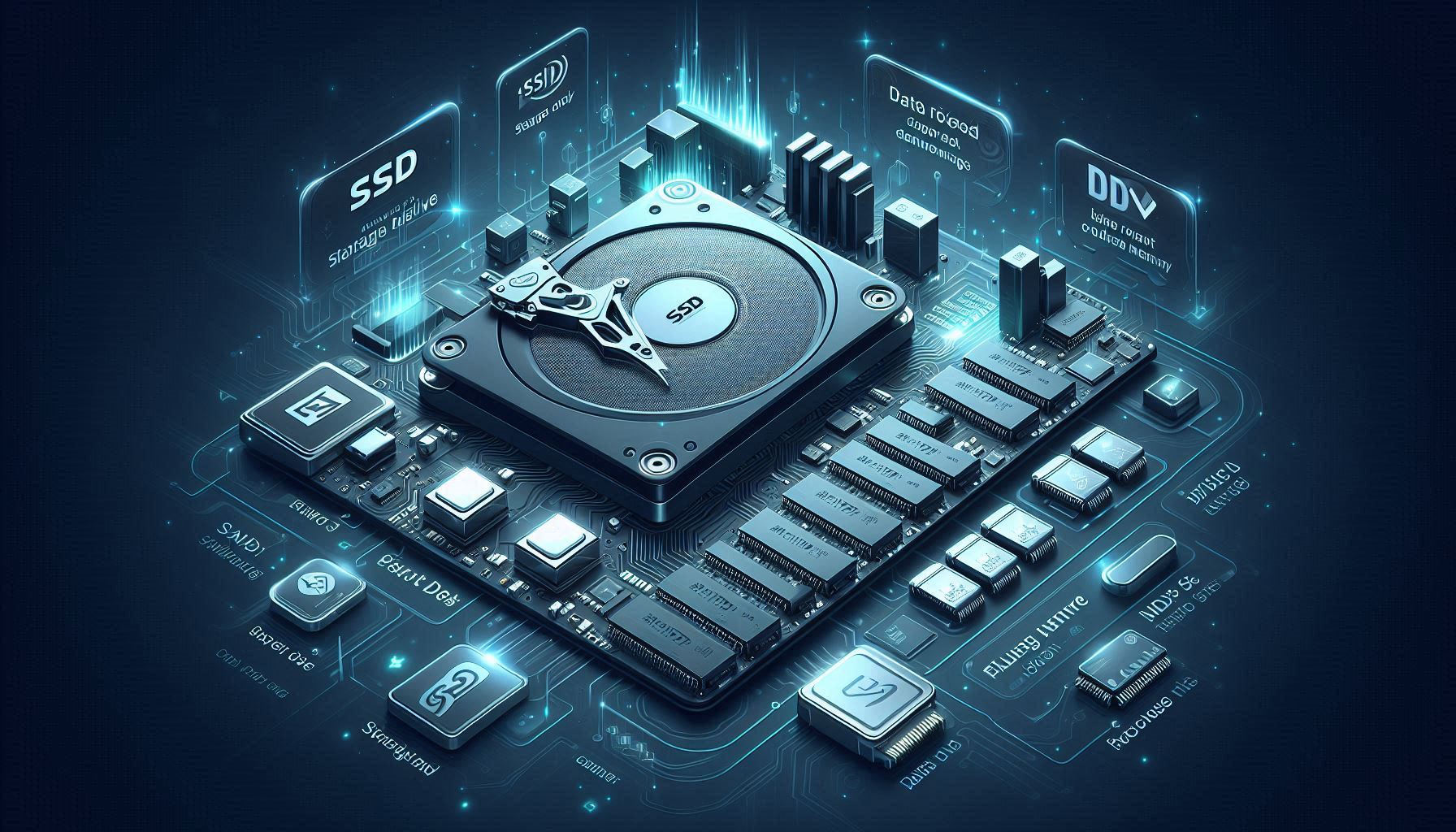
SSDs are widely used in PCs and game consoles due to speed and durability. However, their internal behavior means data erasure requires extra care—methods that work well for HDDs may not guarantee complete erasure on SSDs.
What is an SSD?
An SSD (Solid State Drive) stores data in flash memory rather than spinning magnetic disks. This enables faster access, lower power consumption, and better shock resistance.
Why SSD erasure is tricky
Simple file deletion or quick formatting does not necessarily remove data. On SSDs, features like the following affect how and where data is stored:
Wear leveling
To extend SSD life, writes are distributed across cells. This can cause data to move internally, making “overwrite a specific location” less predictable.
TRIM
The OS can notify the SSD of unused blocks so it can optimize garbage collection. The exact timing of physical cleanup is not guaranteed.
How SSD erasure differs from HDD
For HDDs, multiple overwrite passes can be straightforward. For SSDs, wear leveling and internal mapping mean a naïve overwrite may not cover all locations where remnants exist.
Use dedicated erasure software
For reliable SSD sanitization, use specialized tools that support modern SSD behaviors and secure erasure methods.
MASAMUNE Erasure supports international standards and can also handle devices using flash storage, reducing the risk of recoverable remnants.
投稿 SSD Data Erasure: What You Need to Know (and Why It’s Different from HDD) は MASAMUNE に最初に表示されました。


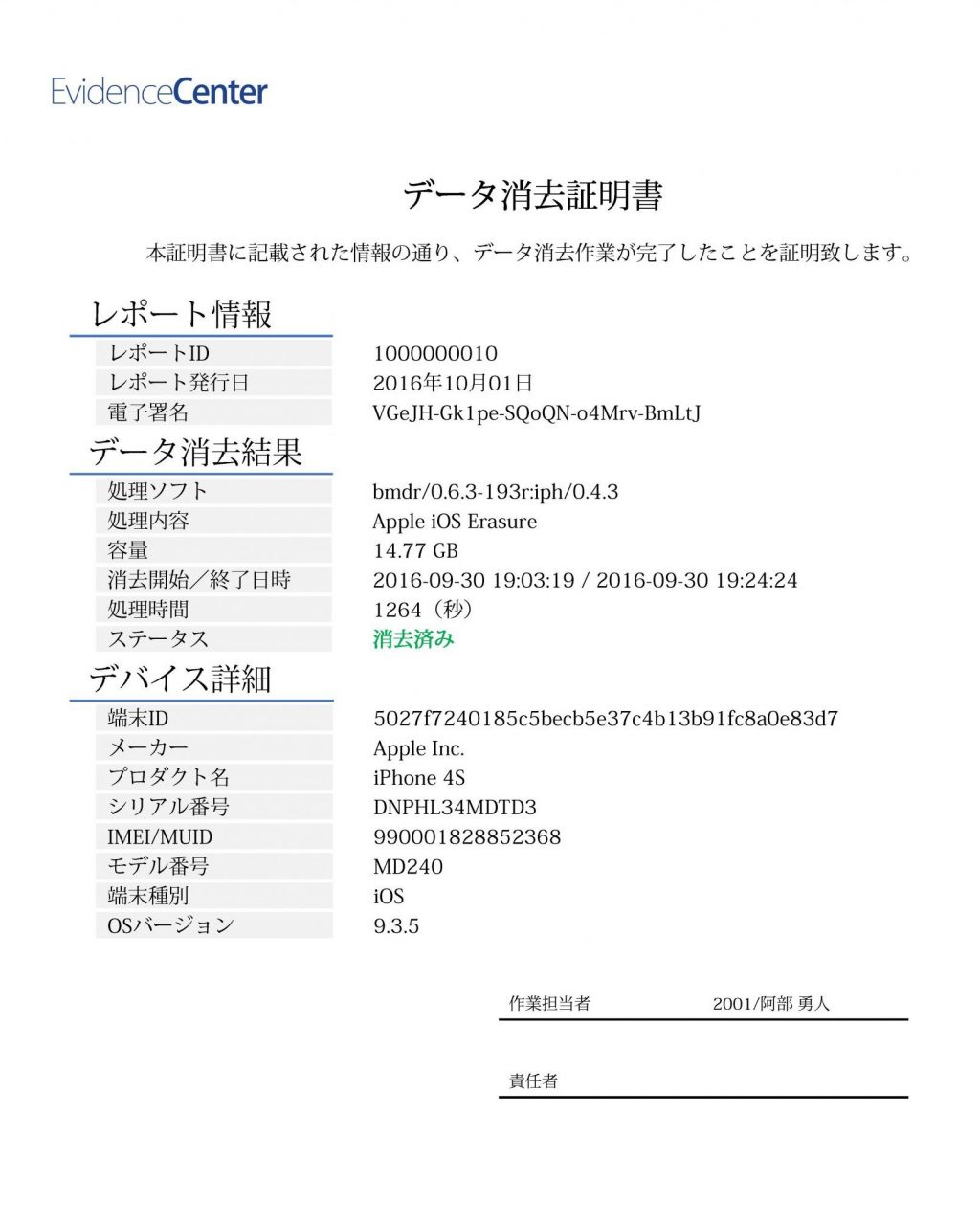
 こんにちは!データ消去ソフトを開発・提供しているMASAMUNEです。企業では、社員の皆様が活用する法人携帯の買い替え時、大量の法人携帯の処分が必要になる場面があります。