Data Erasure vs. Deletion/Factory Reset: What’s the Difference?


Digital devices such as PCs and smartphones are essential in both work and daily life. That’s why, when you replace, dispose of, sell, or hand over a device, it’s critical to handle stored data properly.

This article explains how data erasure software removes data and how it differs from common actions such as deletion and factory reset.

What is data erasure?

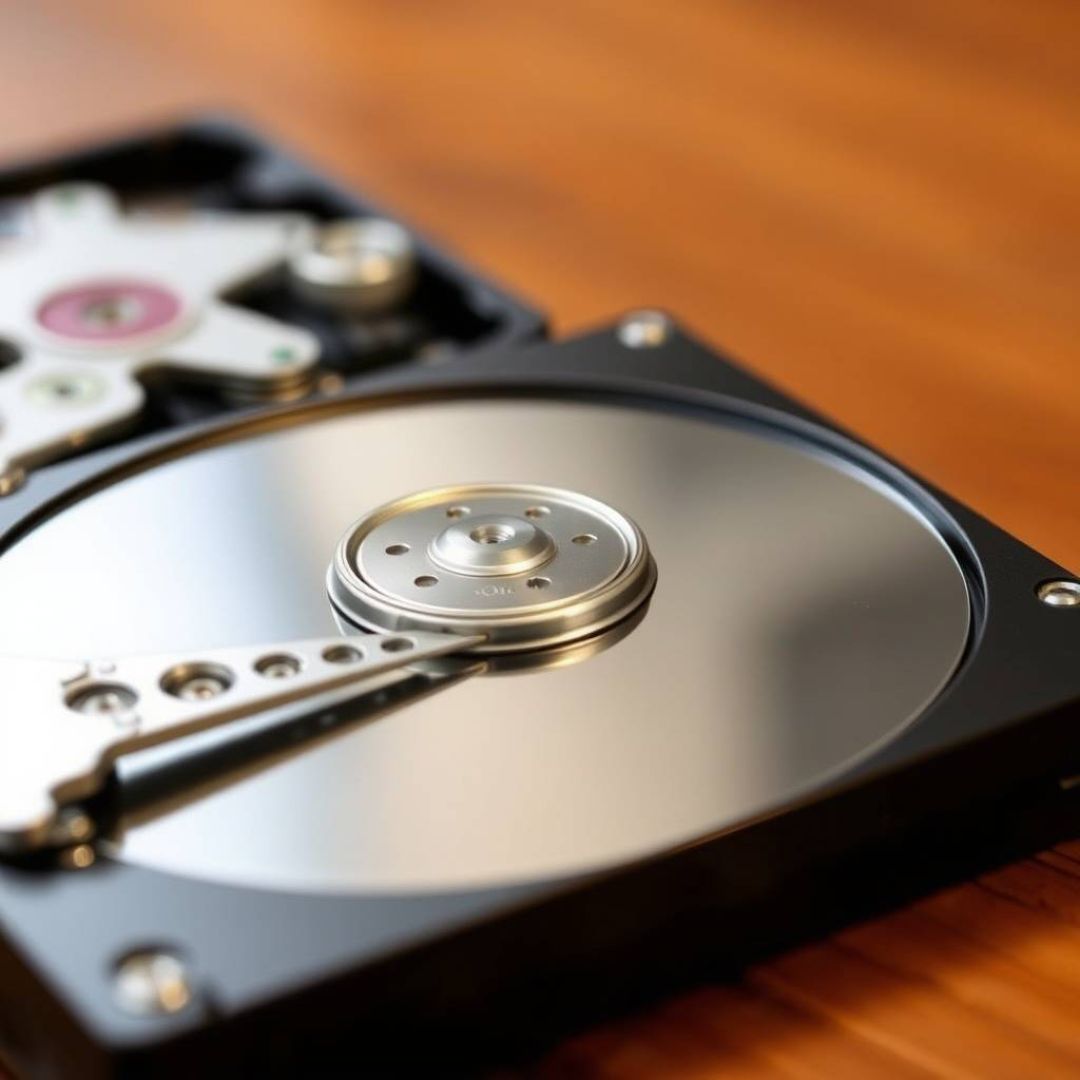
Data erasure is the process of making information stored on media (HDDs, SSDs, smartphones, etc.) unreadable by any means—even if a third party uses specialized recovery tools.

“Deleting data” is not the same as “erasing data”

These terms are often confused, but they are different in most cases.

Deletion / reset (factory reset)

With typical deletion, the data often becomes “invisible” to the OS, but it may still remain on the storage until new data overwrites it. In some cases, specialized recovery software can restore it.

Data erasure

Data erasure writes a fixed pattern (e.g., zeros) or random data to the storage area one or multiple times so the original content cannot be read back. This physically invalidates previously stored information.

The risk of relying on “factory reset”

Many people assume a reset fully removes data and then resell or transfer a device. However, if the data is recoverable, personal and confidential information can leak.

Potentially exposed data includes names, addresses, phone numbers, credit-card information, online banking/SNS passwords, purchase history, location history, and (for corporate devices) customer data or confidential business documents.

A well-known example is the 2019 incident in Kanagawa Prefecture involving resale of HDDs and data leakage:

https://www.masamune.com/news/2019hdd/

Data erasure algorithms

There are multiple erasure algorithms with different trade-offs (speed vs. assurance). The right method depends on the sensitivity of the stored data and your security requirements.

For details on erasure levels and algorithms:

https://www.masamune.com/news/data-erase-level/

Summary

Deleting files or performing a reset is often not enough when disposing of devices containing personal or confidential information. Consider data erasure software (or physical destruction when appropriate).

MASAMUNE Erasure is designed and developed in Japan and is used by major organizations. If you’d like help choosing an appropriate method for your workflow, please contact us:

Contact us

投稿 Data Erasure vs. Deletion/Factory Reset: What’s the Difference?MASAMUNE に最初に表示されました。

Can Data Erasure Protect Devices That Used DeepSeek?


AI tools are evolving rapidly. But behind their convenience, there are real data-protection risks. For example, if you input personal data into an AI app, it may be transmitted to and stored on servers outside your control, subject to local laws.

Why “DeepSeek” raised concerns

In February, Japan’s Digital Agency published a caution about using the AI service “DeepSeek.” One key point from a privacy perspective is that data may be stored on servers located in the People’s Republic of China and governed by PRC laws.

Will personal data on a smartphone leak?

Simply installing an app does not automatically mean immediate leakage. However, if you prompt an AI app with personal data (e.g., creating an address book, drafting emails with names/addresses), that information can end up outside the device.

Can data erasure software mitigate this?

In short: no—if data already left the device and is stored on external servers, device-side erasure cannot remove it from those servers.

Data erasure software is effective at removing residual data on the device (phones, PCs, storage). It does not have the capability to delete data stored in external services.

Practical guidance

– Avoid entering personal or confidential information into third-party AI services unless you have verified the provider, policies, and legal implications.
– For corporate and public-sector environments, set clear rules on acceptable AI usage and data handling.

Looking ahead: On-device AI

As on-device AI becomes more common (e.g., features like “Copilot”), some data may stay local instead of being uploaded. In those cases, device-side data erasure is still important when devices are reused or disposed of.

If you need help building a secure device disposal workflow, please contact us:

Contact us

投稿 Can Data Erasure Protect Devices That Used DeepSeek?MASAMUNE に最初に表示されました。

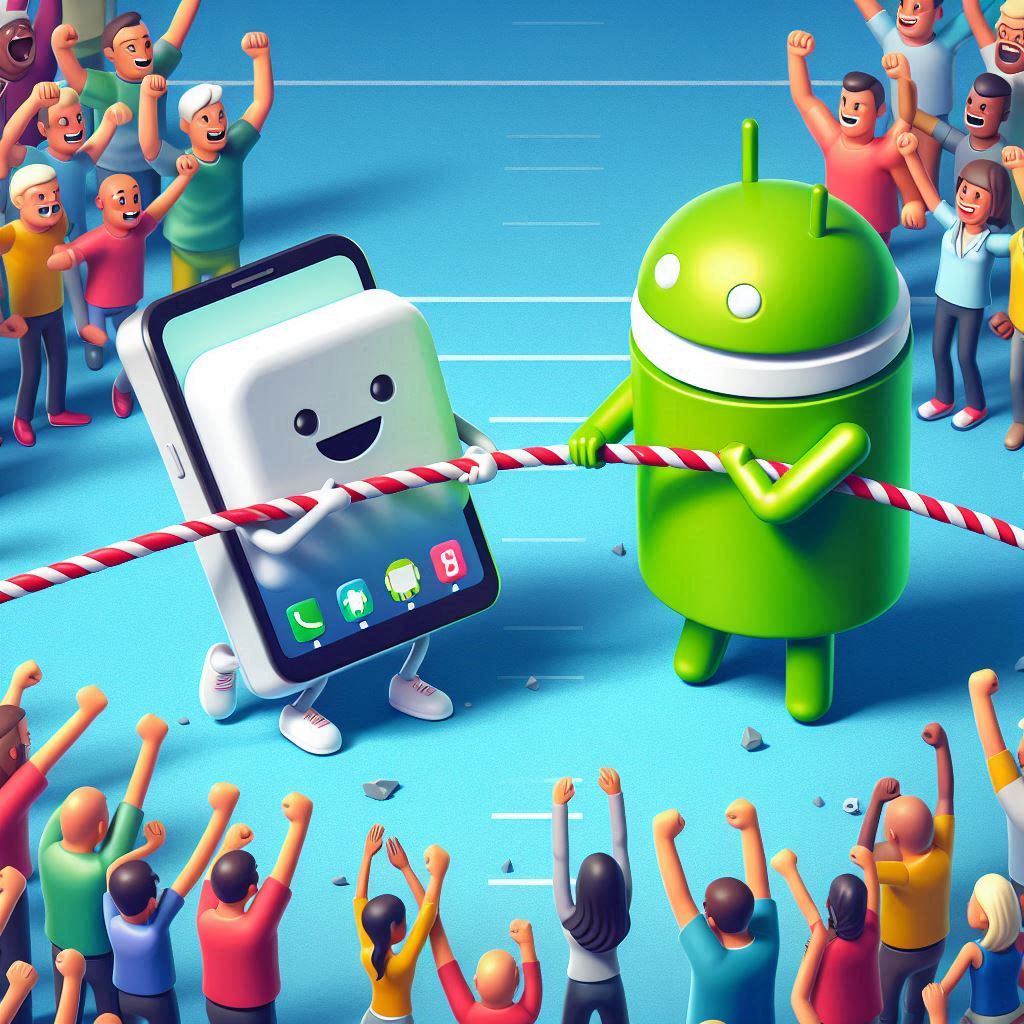
Is Your Smartphone Really Secure? iOS vs Android and Practical Leak Prevention


Smartphones are effectively “a second computer.” We use them to check work email, access customer data, and join online meetings. With that convenience comes a growing risk of information leakage—especially for people who handle data and personal information as part of their work.

This article compares iOS and Android security characteristics and explains practical ways to minimize risk.

iOS vs Android: A security comparison

Many people believe “iOS is safer than Android.” Apple’s integrated approach (hardware + software) and App Store review process often results in strong baseline security.

Strengths of iOS

– Apps run in a sandboxed environment with restricted access to other apps and system resources.
– Apple delivers security updates quickly, so patches can reach devices fast.

iOS is not perfect

Even iOS devices can be targeted by sophisticated attacks and spyware. The key takeaway: no platform is immune.

What about Android?

Android is open source, which helps researchers inspect code and identify issues. Android also provides security features such as app scanning and protections in Google Play.

Android characteristics

Android emphasizes flexibility and customization. Depending on device vendors and update policies, security updates may arrive at different times.

Risk exists regardless of OS

Attackers don’t always target a specific person. A smartphone can be used as a stepping stone to reach a company network, accounts, or higher-value systems.

The most important mindset is to avoid assumptions such as “this OS is safe.” Stay security-aware and apply practical measures.

Use dedicated data erasure when disposing of devices

To fully remove smartphone data before reuse/resale, dedicated data erasure software is the most reliable approach.

MASAMUNE Erasure supports the latest iOS/Android versions and provides certificates as evidence of proper erasure.

Contact us

投稿 Is Your Smartphone Really Secure? iOS vs Android and Practical Leak PreventionMASAMUNE に最初に表示されました。

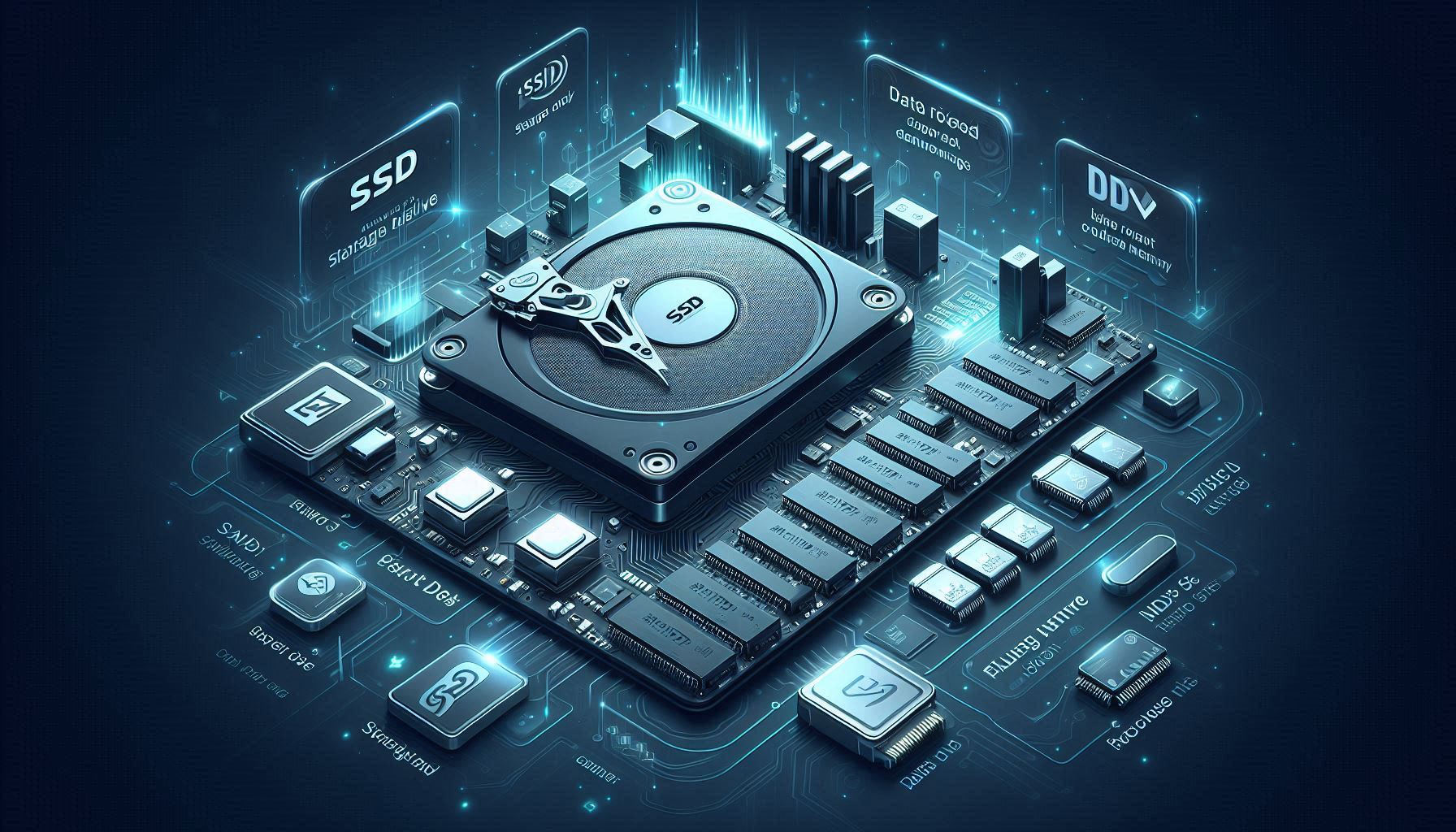
SSD Data Erasure: What You Need to Know (and Why It’s Different from HDD)


SSDs are widely used in PCs and game consoles due to speed and durability. However, their internal behavior means data erasure requires extra care—methods that work well for HDDs may not guarantee complete erasure on SSDs.

What is an SSD?

An SSD (Solid State Drive) stores data in flash memory rather than spinning magnetic disks. This enables faster access, lower power consumption, and better shock resistance.

Why SSD erasure is tricky

Simple file deletion or quick formatting does not necessarily remove data. On SSDs, features like the following affect how and where data is stored:

Wear leveling

To extend SSD life, writes are distributed across cells. This can cause data to move internally, making “overwrite a specific location” less predictable.

TRIM

The OS can notify the SSD of unused blocks so it can optimize garbage collection. The exact timing of physical cleanup is not guaranteed.

How SSD erasure differs from HDD

For HDDs, multiple overwrite passes can be straightforward. For SSDs, wear leveling and internal mapping mean a naïve overwrite may not cover all locations where remnants exist.

Use dedicated erasure software

For reliable SSD sanitization, use specialized tools that support modern SSD behaviors and secure erasure methods.

MASAMUNE Erasure supports international standards and can also handle devices using flash storage, reducing the risk of recoverable remnants.

Contact us

投稿 SSD Data Erasure: What You Need to Know (and Why It’s Different from HDD)MASAMUNE に最初に表示されました。

What Is “Secure Erase” in Data Sanitization?


Secure Erase is a storage-level data sanitization function available on many SSDs and HDDs. When invoked, the drive performs an internal erase process, aiming to render data unrecoverable.

Why Secure Erase matters (especially for SSDs)

SSDs use wear leveling to distribute writes across cells. Because of this, even if the OS attempts to overwrite the entire drive, it may not reliably write to every underlying cell that previously held data.

Secure Erase helps by instructing the drive controller directly and can mitigate “hidden remnants” that are not visible to the OS.

Enhanced Secure Erase

Some drives provide an “Enhanced Secure Erase” mode, which may overwrite with vendor-defined patterns and may include areas such as remapped sectors.

Summary

Secure Erase is a powerful option for fully sanitizing SSDs where standard overwrite methods can be unreliable.

MASAMUNE Erasure supports Secure Erase and can help you choose an appropriate method for your devices and compliance needs:

Contact us

投稿 What Is “Secure Erase” in Data Sanitization?MASAMUNE に最初に表示されました。

Data Sanitization Levels and Algorithms: Choosing the Right Method

Hello—this is MASAMUNE, a data erasure solution provider.

Data erasure software is essential when simple deletion is not enough to protect personal or confidential information. This article explains the difference between ordinary deletion and true data erasure, and summarizes sanitization levels and common algorithms.

Deletion vs erasure

Ordinary deletion

When you delete a file, the data may remain on the storage and can sometimes be recovered using common recovery tools.

Data erasure software

Data erasure software overwrites storage areas with specific patterns (fixed values or random values) to make recovery impractical.

Sanitization levels

Many frameworks describe three broad levels:

  • Clear: Prevent recovery by common software tools; prioritizes speed.
  • Purge: Resists more advanced recovery tools; used for higher-sensitivity data.
  • Destroy: Physical destruction; most certain but media cannot be reused.

Common algorithms (examples)

Clear level

  • Zero fill (0x00 overwrite)
  • Random overwrite
  • NIST SP 800-88 aligned methods

Purge level

  • NIST SP 800-88 multi-pass + verify
  • DoD 5220.22-M style methods (often excessive for modern storage)

Secure Erase / Enhanced Secure Erase

These are drive-level commands that are often recommended for modern storage—especially SSDs.

Summary

The “best” method depends on your device type and the sensitivity of the data.

MASAMUNE can help you select an appropriate erasure method for your workflow:

Contact us

投稿 Data Sanitization Levels and Algorithms: Choosing the Right MethodMASAMUNE に最初に表示されました。

Why You Need a Data Erasure Certificate for Smartphone Reuse


For businesses that reuse and resell smartphones, whether you can provide an erasure certificate is critical. As leakage incidents increase, customers and partners increasingly require objective proof that data was sanitized correctly.

This article explains what a data erasure certificate is, what it typically includes, and why it matters.

What is a data erasure certificate?

A data erasure certificate is a document/report that proves a specific device’s data was sanitized using a defined method at a defined time. It is commonly issued by the erasure operator or a specialist organization.

What is typically included?

Common fields include:
– Device identifiers (terminal ID, manufacturer, model, serial number, IMEI/MEID, OS version, capacity)
– Erasure details (timestamp, method/software, result)
– Certificate metadata (issue date, signatures)

Why certificates matter

Prevent information leakage

A certificate supports assurance that erasure was performed correctly.

Enable incident investigation

If leakage is suspected, certificates help determine whether erasure was performed and where to investigate next.

Build trust

Certificates provide visible proof to customers and partners.

Improve operational management

For large-scale processing, certificates help track “which device was erased when and how.”

Use proper erasure software for reuse workflows

Depending on device generation and encryption state, factory reset may be insufficient—especially for older devices.

MASAMUNE provides certificate generation and centralized management suitable for large-scale operations.

Contact us

投稿 Why You Need a Data Erasure Certificate for Smartphone ReuseMASAMUNE に最初に表示されました。

How to Erase Corporate Phones in Bulk (IT & Admin Guide)


When companies replace corporate phones, they often need to dispose of a large number of devices at once. Because corporate phones can store sensitive information, data sanitization must be handled with great care.

This article explains practical disposal options and what to focus on to avoid information leakage.

Why leakage prevention matters

A major risk for companies is leakage of personal data or internal confidential information. The damage to trust can directly impact business continuity.

Is factory reset always enough?

Modern phones often use encryption, and in some cases a reset can be sufficient. However, that is not universally true—especially for older devices or specific workflows. It’s important to understand that “reset” may be insufficient.

Common disposal options

  • Municipal collection: low cost, but consider loss/theft risk before collection.
  • Carrier shops: often provide collection and in some cases physical destruction options.
  • Electronics retailers: services vary by retailer.
  • Recycling vendors: choose a reputable vendor; confirm handling procedures.
  • Buyback/reuse vendors: useful for resale value, but requires strict erasure control.

The key: verify secure erasure

Devices may be recycled or resold domestically/overseas. For reuse workflows, proper data erasure is mandatory. Prefer vendors that can provide evidence (certificates) and maintain traceability.

Whenever possible, on-site erasure reduces logistics risks (loss/theft during transport).

Use dedicated erasure software

With data erasure software such as MASAMUNE Erasure, you can clearly answer: “Was it erased?”, “When?”, and “By whom?”

MASAMUNE supports efficient Android handling and provides tamper-resistant certificates (optional) and centralized tracking via Evidence Center.

Contact us

投稿 How to Erase Corporate Phones in Bulk (IT & Admin Guide)MASAMUNE に最初に表示されました。

Used Smartphone Buyback: Compliance and a Practical Data Erasure Guide


Used smartphone buyback is a growing business. At the same time, compliance and privacy protection are critical. This article explains why data erasure matters, practical erasure approaches, and operational points to reduce business risk.

1. Why data erasure matters

Used phones can contain large amounts of personal information: photos, contacts, SNS accounts, credit-card information, and location data.

If this data leaks, customers can suffer serious harm and the business may face penalties, reputational damage, and legal claims.

1-1. Concrete risks

  • Regulatory penalties
  • Customer claims
  • Reputational damage
  • Administrative actions

2. Reliable erasure options

Factory reset alone may not be sufficient. Consider:

  • Data erasure software: overwrite/sanitize to make recovery impractical.
  • Specialist vendors: useful for high-security or high-volume workflows.
  • Physical destruction: strongest assurance but prevents reuse.

3. Operational controls during buyback

  • Explain erasure and obtain consent: ensure customers understand how data will be handled.
  • Keep buyback records: track when/which devices were received and processed.
  • Train employees: ongoing education for privacy and secure handling.

4. Summary

Proper data erasure is the core of compliance in used-phone buyback. With clear procedures and the right tools, you can reduce risk and build trust.

MASAMUNE provides a reliable, Japan-developed erasure solution used by over 100 organizations.

Learn more

投稿 Used Smartphone Buyback: Compliance and a Practical Data Erasure GuideMASAMUNE に最初に表示されました。